
Phoxel PT
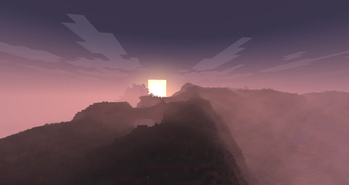
Shader[WIP] A Minecraft shader that strives to capture some of the beauty of real life, mixed with the unique ambience and blocky beauty of the Minecraft we've all come to love
Colored LightingHighPath TracingPBRReflectionsScreenshotShadowsVanilla-like
148.5k downloads
156 followers
Changelog
Make sure you extract the folder or it will likely not work!
How to unzip on Modrinth:
- Go to the instance content page
- Click the 3 dots in the top right and click "open folder"
- In your file explorer navigate to
shaderpacks
You should see among any other shaders you have installed
(UNZIP THIS) Phoxel 0.6 Re-release.zip
- Right click -> Extract
Labeled as
Extract All...on Windows,Extract hereorExtract to...on Linux Make sure the extracted content is in a folder, Ex:Phoxel > Notes.txt, Tasks.txt, shaders > ...
Changes!
Completely new rendering system! Reworked atmosphere, volumetric lighting, and much more!
Files
(UNZIP THIS) Phoxel 0.6 Re-release.zip(3.03 MiB) Primary Download
Metadata
Release channel
BetaVersion number
0.6.2Loaders
Iris
Game versions
26.1, 26.1.1, 26.1.2Downloads
301Publication date
May 10, 2026 at 6:03 AMPublisher

Despatra
Owner