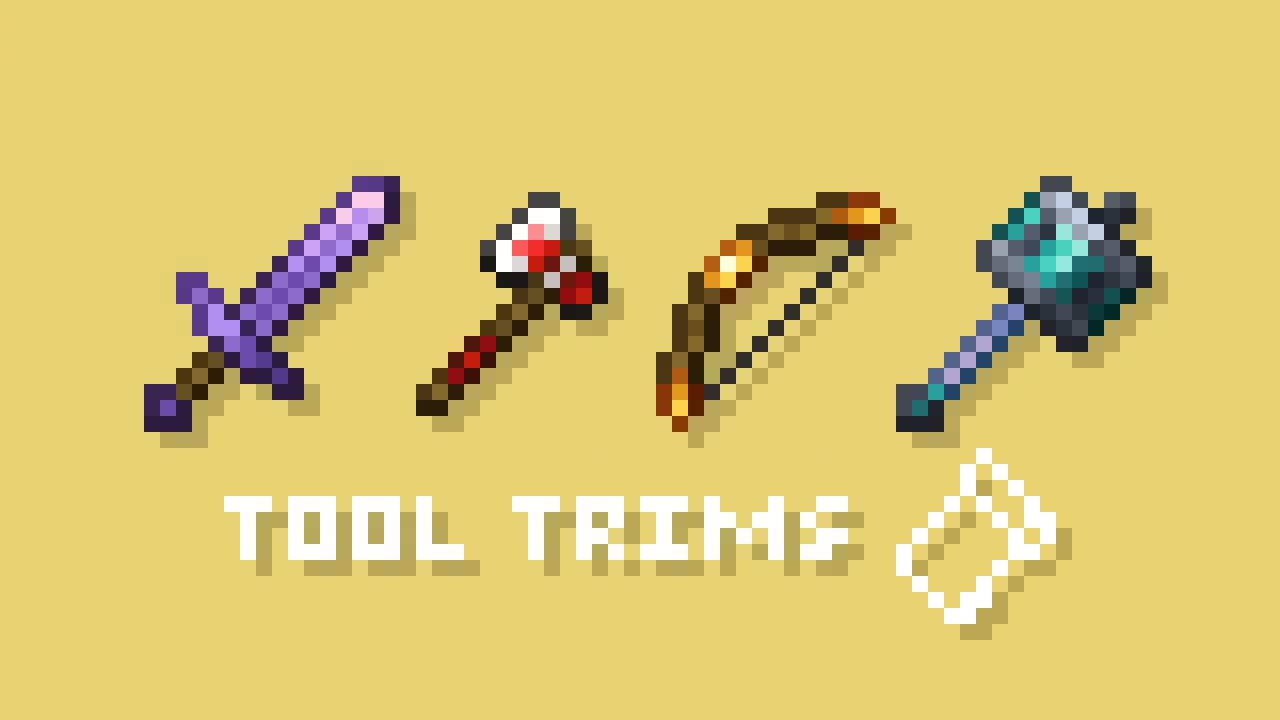

A fabric port of JoeFly's Tool Trims datapack. Check the project page for more details.
Making it a mod allows a few improvements:
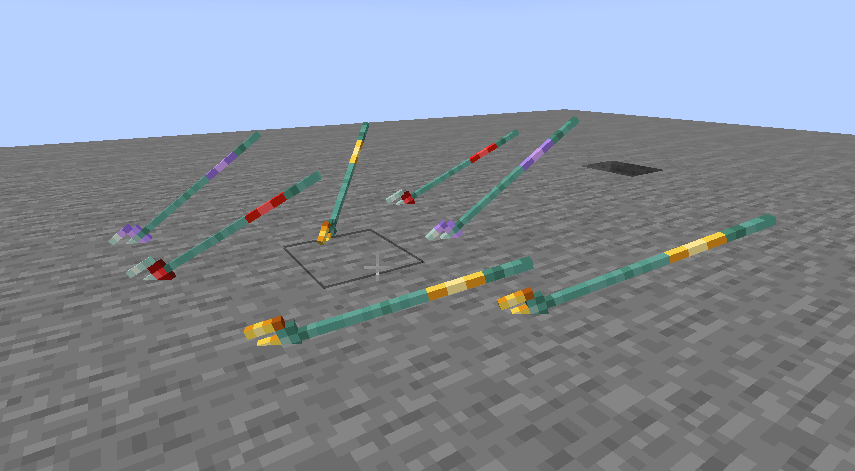
- Trident trims display on thrown tridents
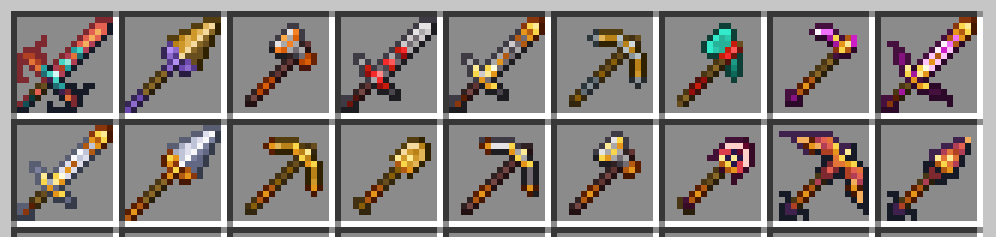
- Trims can be applied to modded tools
- The trim templates show up in the proper location in the creative inventory and are displayed correctly in recipe viewers like RRV

- Loot tables are injected into instead of overwritten
Migrating from the Datapack
The mod contains backwards compatability mechanics for the datapack. Trimmed tools do not need to be migrated, as they both use the same vanilla trimming system. Templates, however, require migration and cannot be used in the smithing table until migrated.
- Make a backup. It's always good practice to make a backup.
- If you are coming from datapack 2.x.x, you must use datapack 3.x.x to migrate your trimmed tools and templates first. The items must be in your inventory or picked up by your cursor to be migrated.
- Next, you should install the mod and then remove the datapack. (Make sure you don't run the world with neither installed.)
- Use the command
/tooltrims migrateto migrate the template you are holding.
Demigrating from the mod
If you want to revert back to using the datapack, install the datapack at the same time as the mod (ignoring the warning message) and use the command /tooltrims demigrate to demigrate all your templates. Once you have demigrated all your items, uninstall the mod and install the normal tool trims resourcepack.
Compatibility
Currently incompatible with the Dynamic Resources optimization from ModernFix, which is enabled by default in certain modpacks such as Adrenaline.
To request compat with a modded trim material, add a comment to this issue. Most modded tools that do not match a vanilla tool shape will not receive official compat, but they can be added through resourcepack.
Credits
All textures are created or otherwise owned by JoeFly and used with permission.
Support
For now I support the latest version of Minecraft (currently 26.1.2) and its corresponding hotfix versions (26.1, 26.1.1). All other versions are unsupported. All issues pertaining to unsupported versions will likely not be addressed.
Please report issues on my repository and not to JoeFly.
1.x.x Description
Migrating from the Datapack
The mod contains backwards compatability mechanics for the datapack.
First, you should remove the datapack, as the mod and datapack are not intended to be used in tandem (It doesn't matter if you remove the datapack before or after installing the mod).
If it detects the datapack was previously used, it will enable the tooltrims_deleteToolsmithingTable gamerule, which destroys smithing tables within 6 blocks of players and drops its ingredients (2 copper and 4 planks). This can be reversed using /gamerule tooltrims_deleteToolsmithingTable false. You can also enable the legacy resource pack, which makes templates and toolsmithing tables look right before they are upgraded or deleted.
You can use the command /tooltrims migrate to migrate the tool or template you are holding so it uses the modded trim system instead of the datapack trim system. Templates from the datapack cannot be used in the smithing table until you upgrade them. For tools, the difference is only noticeable if you look at the NBT/component data or if you try to re-trim the tool, in which case both the old and new trims will show up in the tooltip.
Demigrating from the mod
If you want to revert back to using the datapack, install the datapack at the same time as the mod (ignoring the warning message), enable the legacy resource pack, and use the command /tooltrims demigrate to demigrate your tool or template. Once you have demigrated all your items, uninstall the mod and install the normal tool trims resourcepack.
Compatability
Compatible with EMI (trimming recipes show up) and Enchancement (crossbow texture works correctly). Currently incompatible with Trimmable Tools.
Credits
The Enchancement compat textures were created by doctor4t and cybercat5555 for the mod Enchancement, and were edited and used with permission.
All other textures were created or otherwise owned by JoeFly and used with permission.
External resources
Project members

ThePotatoArchivist
Developer

JoeFly
Texture Artist & Original Concept Author